


Campus Scientifico via Torino 155, 30173 Venice (Mestre)
map - accessible route
Monday to Friday: 8:30 am - 7:30 pm
Saturday: 9 am - 1 pm
You have to book the access and the services with EasyPlanning, see 'Accessing the library'.
Opening hours changes
- 23 December 2026: 8.30 am - 2 pm
Closing days
- 21 November 2026
- 7-8 December 2026
- 24-31 December 2026
Accessing the library
To access the library and book services you need to book via EasyPlanning or MyUniVE app
- if you are a Ca' Foscari University of Venice member: use the University's credentials (username and password)
- if you are an external user (non-university member): you must have a valid SBA registration (annual card) and use the credentials received after registration.
Go to EasyPlanning or MyUniVE app and select:
- the library you want to go to as a service
- the space you want to book as a location.
Please check below for more information.
Ca' Foscari University of Venice members
The following are Ca' Foscari University of Venice members:
- students
- lecturers and professors
- researchers
- technical and administrative staff
- scholarship holders
- PhD students
- postgraduate students
- contract workers
- research fellows
- honorary fellows
- university graduates for 6 months after graduation
- students from foreign universities under exchange agreements with Ca' Foscari University of Venice
- visiting professors
To access the library, you must:
- book via EasyPlanning or MyUniVE app using the University's credentials
- produce the CartaConto Ca’ Foscari (the red University badge).
Alumni
If you are a member of the Alumni Association [ITA] you can:
- access the University libraries by booking via EasyPlanning or MyUniVE app and using the ucf.xxx credentials issued at the time of registration
- access the lending and consultation services
- consult electronic resources from the library stations.
Access to the libraries and services
You may access the University libraries if you:
- are at least 18 years old
- are already enrolled in the University Library System (SBA) and hold a valid library card (see "How to apply for SBA membership or renew your membership" below)
- have booked your visit through EasyPlanning using the credentials you received after registering.
Once you have completed your registration and obtained your ucf.xxxx credentials, you can:
- borrow and consult library materials by booking your visit through EasyPlanning
- access electronic resources only from the workstations available in the libraries, with the exception of AIDA, One LEGALE, One FISCALE, ORBIS, and Il Sole 24, which are reserved for institutional users (xxx@unive.it accounts).
How to apply for SBA membership or renew your membership
To apply for SBA membership or renew an expired membership card:
- fill in the form Registration form for the University Libraries" (annual card)
- send it to the e-mail address below enclosing a copy of an ID card.
Within two working days, you will receive a message (SMS or email) confirming the activation of the account and containing:
- the link to create the password
- the username (e.g. ucf.00000. Remember to enter the username including letters and periods and without spaces)
- the PIN to create your personal password.
After entering the PIN, you will be asked to activate a second level of security (OTP) as required by the new regulations for data security and protection. If you don't complete this step, you can't generate a password and therefore access the services.
The password will be active immediately and must be renewed every 6 months, while the registration is valid for one year.
For more information, see the guide: Non university members - How to setup your account.
When you book for the first time you can request the printing of your card or, if you are a IUAV member with a nominal card, the activation of your card for library services.
Please send the request only to one library: the SBA membership will automatically be valid for all the others.

Please write to bibliobas@unive.it to:
- send the registration form
- request more information
- report problems with the booking.
Booking rooms and services
The maximum number of people allowed to be in the rooms at the same time is 104.
If you want to book a place in the reading rooms and the library services
- go to EasyPlanning or with MyUniVE app and select “BAS - Accesso alle sale e ai servizi” (“BAS – Access to rooms and services”) as service and the floor you wish to book a place.
If you don't need to occupy a seat (accessing the photocopy room, borrowing a book, browsing on the floors)
- please book the access by selecting “BAS - Accesso senza posto a sedere” (“BAS – access without a seat”) as service.
Subject areas and gallery
BAS specialises in the following subject areas: Chemical Sciences, Environmental Sciences, Biotechnology, Technologies for Conservation and Restoration, Computer Sciences, Engineering.
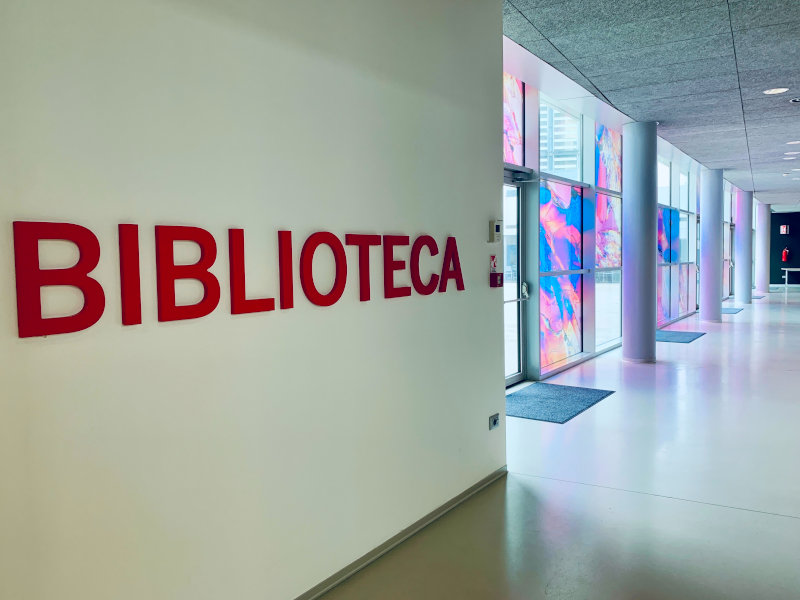
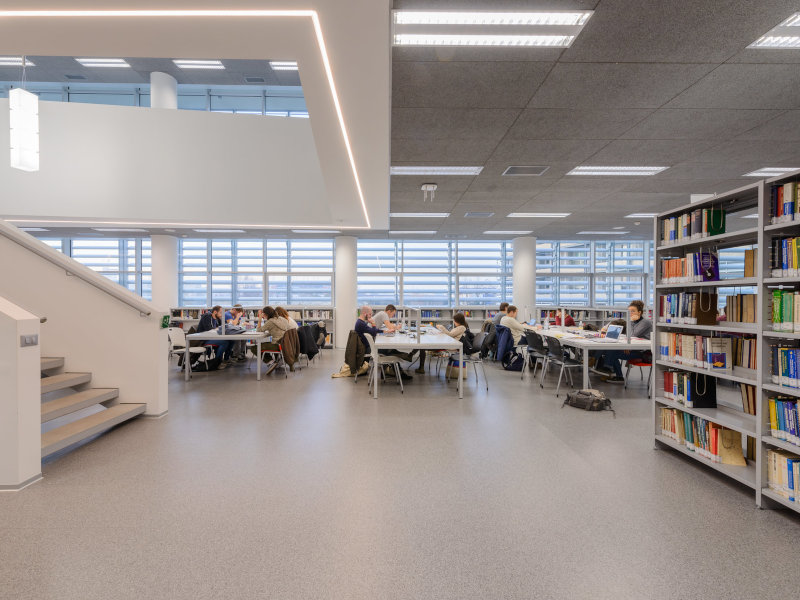
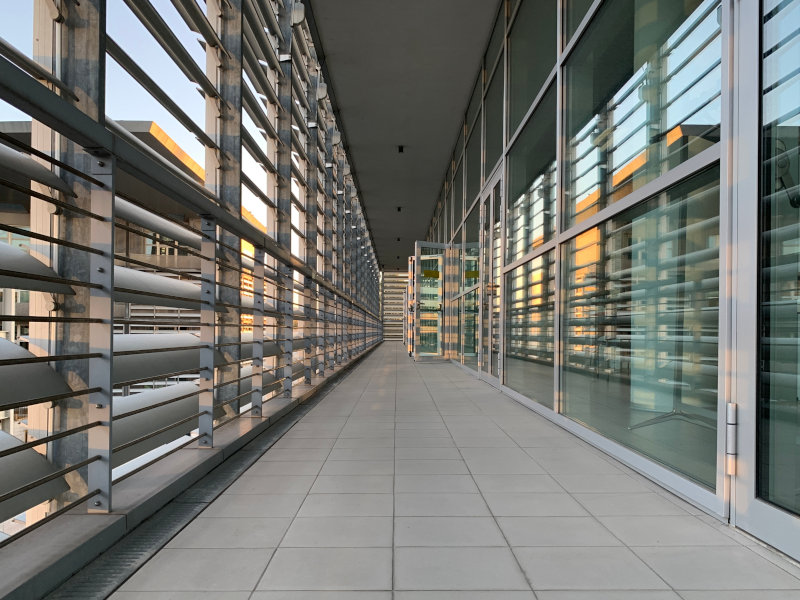
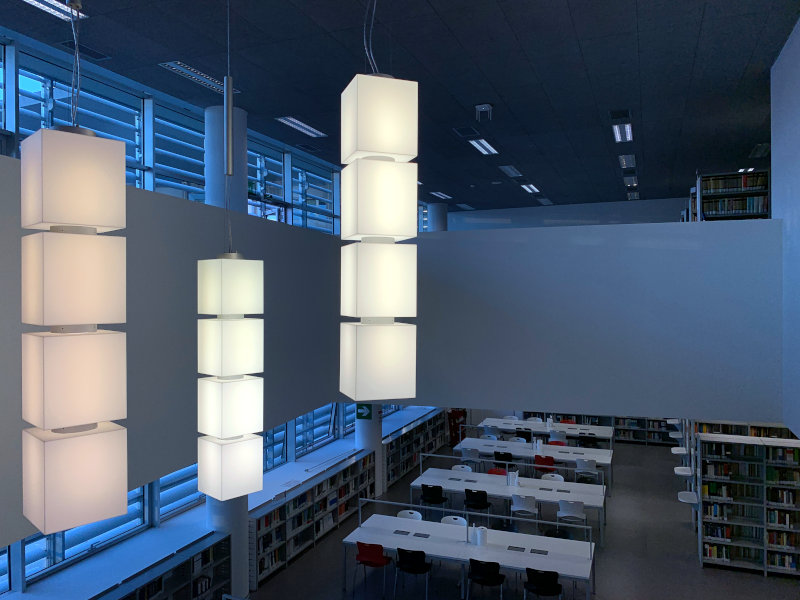
Accessible BAS
BAS is housed in the Alfa building on the Scientific Campus.
The entrance, which is located at the basement level, is accessible via 2 alternative routes, both made accessible by lifts and stairs with handrails.
The library floors can be reached by internal stairs with handrails and a lift to the first floor.
The first and second floor are connected by a key-operated lift; request the key to the library staff if you need it.
The second floor has well-equipped toilets and a workstation for persons with mobility disabilities.
| sì | Accessible routes |
| sì | Reserved workstations |
| no | Technological aids |
| sì | Lifts |
| sì | Toilets |

Computers and Wi-Fi
The reading rooms are equipped with table or wall sockets for your computer.
There are computers on the first floor opposite the photocopier.
In the library you can access the University Wi-Fi network.
Contacts
bibliobas@unive.it
Tel. +39 041 234 8516
bertelle@unive.it
Tel. +39 041 234 8960 / 338 471 4260